Managed Workplace or Modern Workplace: What is the difference?
By Jerome Scheidegger · CEO and Owner
Two offers lie on the table. One promises a «Modern Workplace» with Microsoft 365, Teams and Intune. The other a «Managed Workplace» for a monthly flat rate, including support. Both sound like the same goal, and both cost about the same.
Managed Workplace and Modern Workplace describe two different levels of the same work environment. If you weigh them against each other, you end up buying only half.
What distinguishes the Managed Workplace from a Modern Workplace?
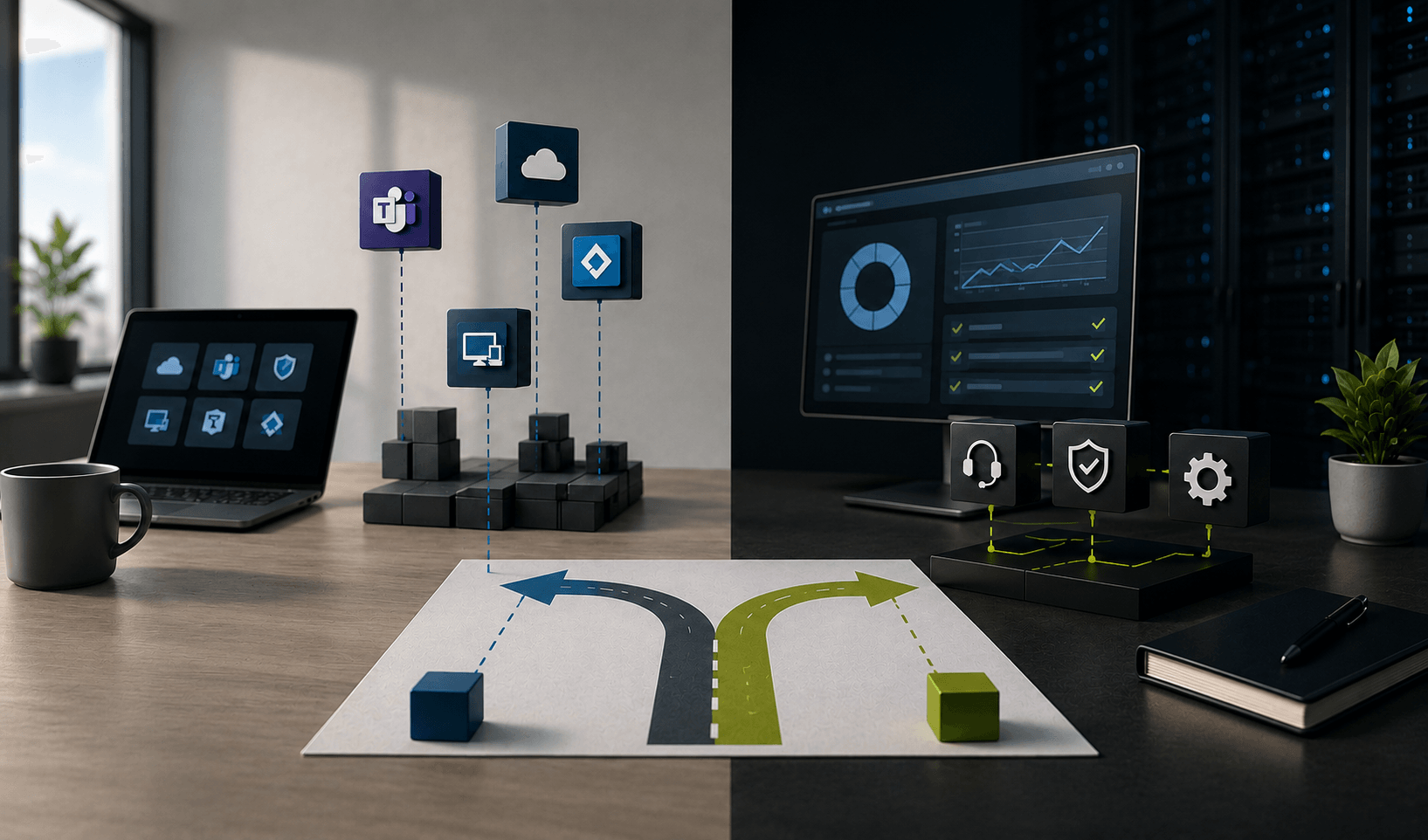
Modern Workplace describes what you work with. The Managed Workplace describes who operates this environment.
A Modern Workplace is the work environment itself: Microsoft 365 as a platform, Teams for collaboration, Intune for device management, Entra ID for identities, plus hybrid working as the norm. It arises in a project, and this project has a deadline.
Modern Workplace, the state
- Main question: What do your employees work with?
- Content: Microsoft 365, Teams, Intune, Entra ID, hybrid working
- Purchase form: Project with deadline
A Managed Workplace regulates what happens after this deadline. A service provider takes over provision, maintenance, support and security, for a fixed monthly flat rate per workplace and with response times specified in the Service Level Agreement (SLA). This service runs as long as the contract runs.
Managed Workplace, the operating model
- Main question: Who keeps the environment running?
- Content: Provision, maintenance, support, security
- Purchase form: Subscription with SLA and monthly flat rate per workplace
How a Managed Workplace for Swiss SMEs is concretely designed depends on size and industry.

What happens if only one of the two levels is right?
Then you pay for one half and miss the other. We keep encountering three patterns.
Modern without Managed: Microsoft 365 is implemented, Teams is running, devices are in Intune. Only no one maintains the environment further. Configurations become outdated, permissions multiply, new employees wait three days for their laptop. How much configuration work behind the word «simple» is shown by a recent innovation. Since 27 August 2026, device association for Windows Autopilot is generally available. It binds a device to the organisation via hardware attestation before it is registered, requiring TPM 2.0, a supported Windows 11 version and well-maintained Intune policies. Such changes appear monthly. If no one checks and activates them, the environment becomes outdated during ongoing operation.
Managed without Modern: A service provider reliably manages the IT, but the environment comes from another time: file servers in the basement, VPN for home office, local user accounts. Operation works. It keeps alive a state that slows your people down in everyday life.
Both combined: Here the environment is built up and then further developed. New employees are productive on their first day, security settings are updated, licenses regularly checked. This state is what most SMEs mean when they say «Managed Workplace».
How do you recognise which model fits your SME?
Four criteria are enough for a first assessment.
Number of workplaces: Under about 10 workplaces, rarely is a dedicated IT role worthwhile. Between 10 and 150 many companies work with one to two generalists who simultaneously handle support, project management and security responsibility.
Internal IT resources: Check the holiday cover. If the absence of one person paralyses your IT, an operating model is missing. Finding suitable personnel remains difficult: 41 percent of Swiss SMEs name the labour shortage as one of the biggest challenges.
Compliance requirements: If you have to prove who had access to which data when, you need documented processes.
Growth dynamics: Those who hire ten people per year need a repeatable onboarding. Those who remain personnel stable can prioritise differently.
Which questions should you ask a provider?
Ask about everyday operation. Six questions quickly distinguish providers:
- What is included in the monthly flat rate, and what is charged additionally?
- What response and resolution times are specified in the SLA, and what happens if they are not met?
- Who decides on new Microsoft features: You or the provider?
- How often is the license inventory checked?
- What does an exit look like, and who owns documentation and administrative rights?
- Who is your fixed contact person in everyday life?
The licensing issue has had concrete consequences since summer. New Microsoft 365 prices have been in effect since July 1, 2026. Business Premium remained stable, while the price for Microsoft 365 Copilot Business dropped from around CHF 26 to about CHF 17 per user per month. Those who do not check such shifts annually pay too much. More about this in our overview of Microsoft 365 license costs for SMEs.
Summary
Modern Workplace describes the working environment, Managed Workplace its operation. Those who purchase both levels together receive an up-to-date Microsoft 365 environment and someone who maintains, updates, and secures it with agreed response times. For Swiss SMEs with 10 to 150 employees and without their own IT department, this combination removes two risks simultaneously: outdated technology and unclear responsibilities.