
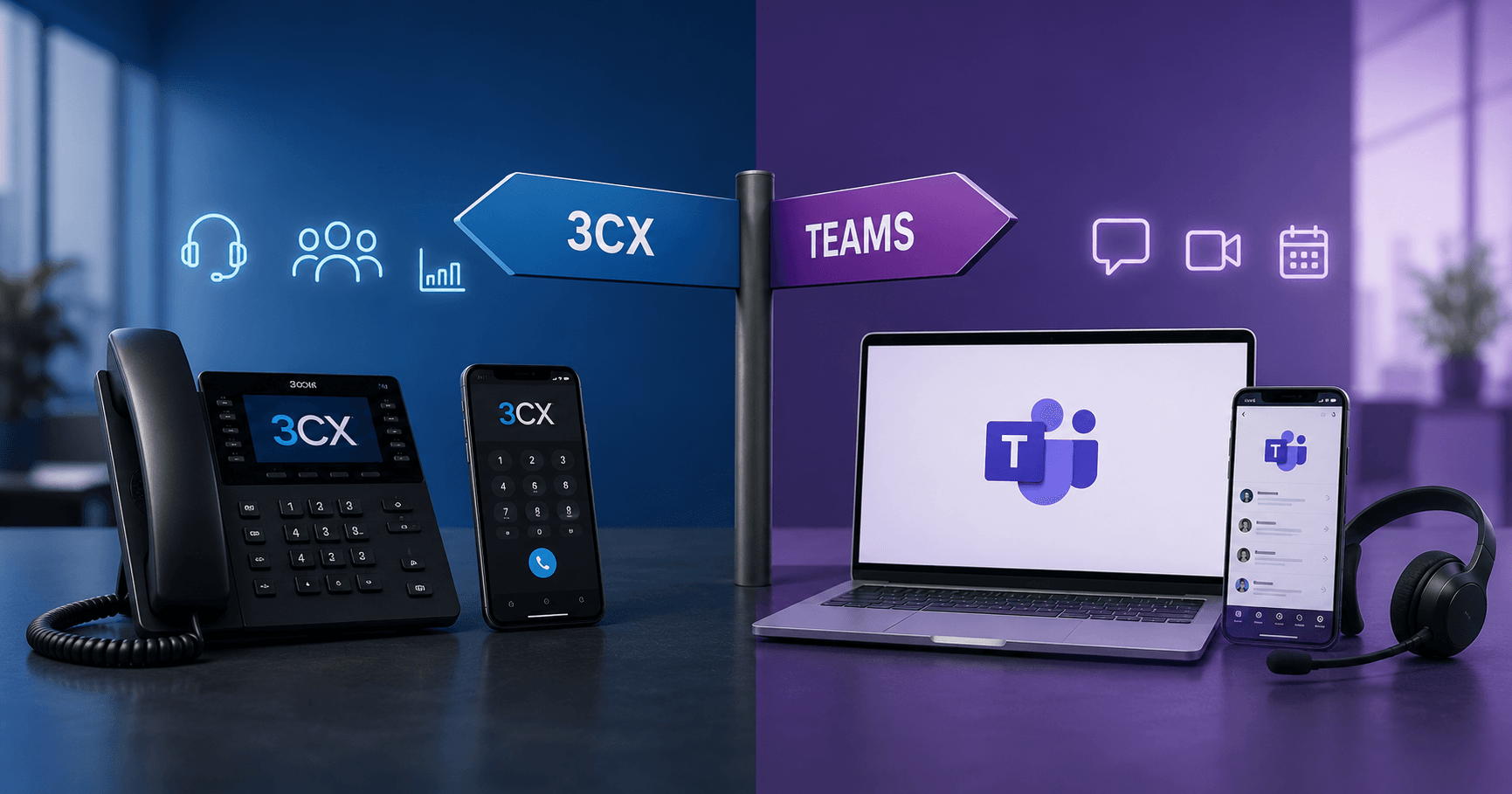
3CX or Microsoft Teams: What suits your SME?
By Elias Grüter · Head of Engineering
When the existing telephone system runs out, many SMEs face the same question: 3CX or Microsoft Teams? The decision is no longer just about telephony. It’s also about collaboration, mobility and who operates the solution later. Those comparing today should start from their own requirements, not manufacturer brochures.
Why is the question 3CX or Microsoft Teams relevant right now?
Because many SMEs have to replace their telephone system anyway and both platforms have updates planned for 2026.
Hybrid working is standard. Employees make calls in the office, at home and on the go. At the same time, many older systems run on obsolete hardware or cause unnecessary operational effort. A new solution should be mobile, easy to administer and scalable.
3CX revised their web client with V20 Update 9 and expanded the queues. Callers can request a callback at the push of a button and keep their place in the queue. Escalations can now also be triggered after waiting time, not only if no agent is available. Update 10 adds AI call summaries with notes and action items.
Microsoft extended Teams in spring 2026 with protection against brand imitation. Teams checks incoming calls from unknown external contacts and warns before answering. The function is active without any admin intervention.
What fundamentally differentiates the two approaches?
3CX is a telephone system with collaboration features, Microsoft Teams is a collaboration platform with integrated telephony.
3CX was developed for business communication. Queues, voice menus, call groups, call centre reports and CRM integrations are the focus.
Microsoft Teams was created for chat, meetings and collaboration. Telephony was added later and integrates into the Microsoft 365 environment.
So the real decision is whether telephony is the focus or Microsoft 365.
Where do 3CX and Microsoft Teams differ in everyday use?
Primarily in the licensing model, call centre features and who operates the solution.
Criterion | 3CX | Microsoft Teams |
|---|---|---|
Microsoft 365 integration | Good | Very high |
Call centre features | Very comprehensive | Basic functions, extendable depending on setup |
Licensing model | Per simultaneous calls | Per user |
Devices | App, web client, desk phones | Teams app, headsets, Teams phones |
Data storage | Flexible, depending on hosting model | Microsoft ecosystem |
Operation | Self-operated or hosted | Microsoft cloud service |
Scaling | Very flexible | Especially attractive for M365 customers |
CRM integration | Broad support | Depends on third-party integrations |
For budget planning the first point counts most. Teams Phone costs more than the listed add-on price because base license and network connection are added. With 3CX the price grows not with every new person but with the number of simultaneous calls.
Which solution suits which company?
That depends on call volume, organisational structure and existing IT.
Microsoft 365 is already the centre of daily work: If your employees work daily in Microsoft Teams and mainly call internally or occasionally externally, Teams is usually the shorter route. The interface is familiar, so deployment is correspondingly simple.
High availability and many incoming calls: Companies with reception, customer service or support often do better with 3CX. Queues, escalations, callbacks and detailed control are core product features there.
Growth or multiple locations: Both platforms scale well. The more important question then becomes who will operate the system and which processes need to be centrally controlled.
Can both solutions be combined?
Yes. For many SMEs, a mixed operation is the pragmatic way. 3CX can be connected as a telephony platform with Microsoft Teams. Teams remains the workspace for employees, while 3CX handles queues, routing, and call centre functions in the background.
This suits companies that heavily rely on Microsoft 365 yet need more telephony features than Teams offers. Check the edition and licence requirements on both sides early, as not every 3CX edition and Microsoft 365 licence covers this path.
What belongs in migration planning?
Above all the number porting. Technically, switching is usually easier today than before, but porting, testing, training, and coordination with the telephony provider require time buffers.
Those who want to approach the evaluation structurally first answer these five questions internally:
- Is Microsoft 365 already the central work platform?
- How many calls typically run simultaneously?
- Do you need queues, voice menus, or analytics?
- Are there requirements for data location or compliance?
- Who operates and supports the solution long-term?
Many companies start with an IT location assessment for SMEs. Since telephony is closely tied to the rest of the working environment today, it's also worth taking a look at the Managed Workplace.
Conclusion
There is no general winner in the comparison between 3CX or Microsoft Teams. Those who need full telephony and call centre functions mostly end up with 3CX. Those already using Microsoft 365 as the central workspace do well with Teams. BeSync AG supports both paths within the framework of Managed Telephony for Swiss SMEs, from the hosted 3CX system in the Swiss private cloud to Microsoft Teams with Direct Routing. First answer the five key questions; after that, the decision can usually be well justified.